CAD Drawings vs Patent Drawings: Key Differences Explained
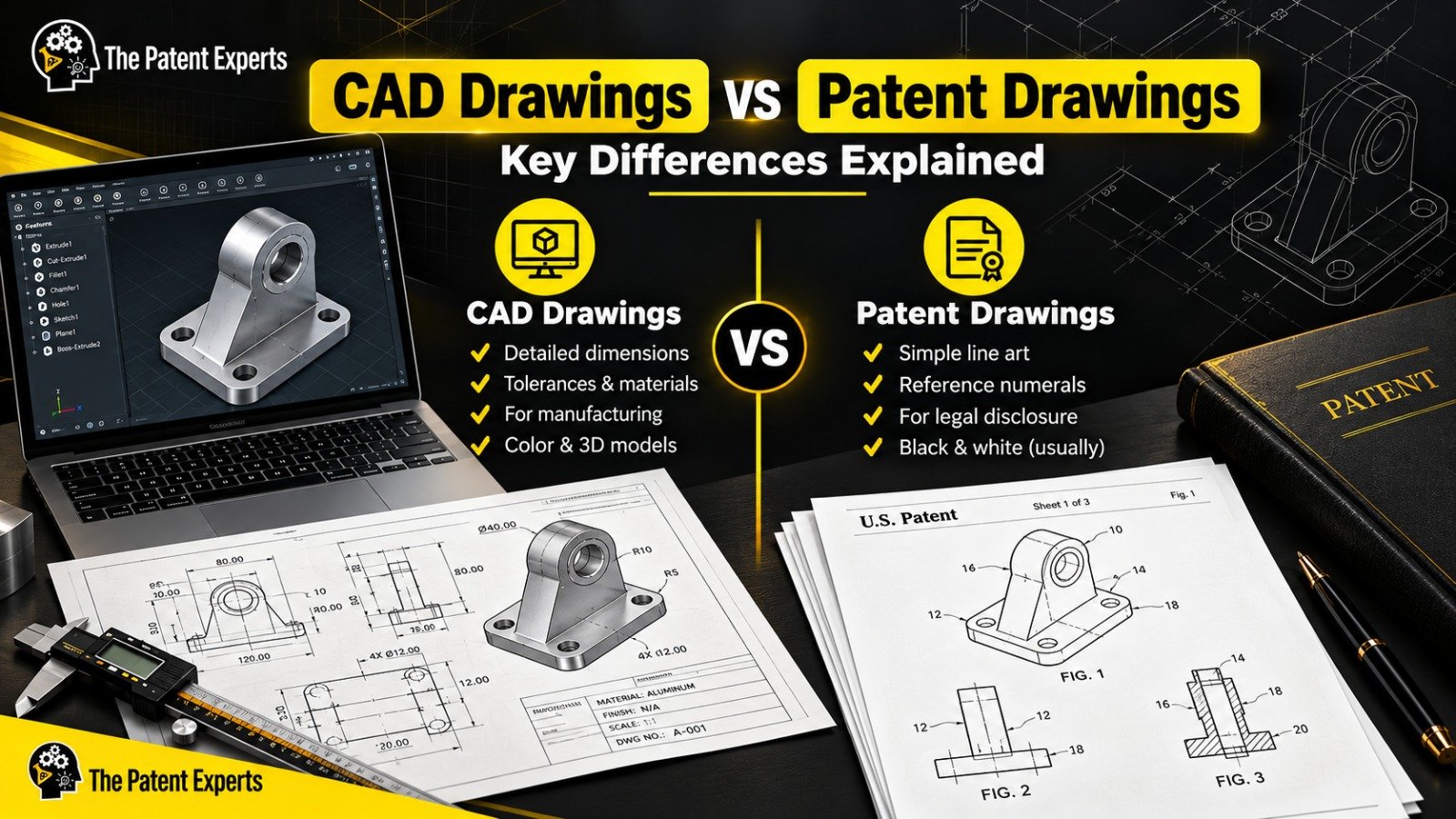
Short answer: CAD drawings are technical files used to design, engineer and manufacture a product. Patent drawings are formal illustrations filed with a patent application to explain and legally support the invention. A CAD file can be the starting point for a patent drawing, but it is almost never accepted by a patent office as it is.
If you have a product designed in SolidWorks or AutoCAD and you are preparing to file a patent, this distinction can save you from an office action, a delayed filing or a weaker claim. This guide explains how the two differ, what patent offices expect, and how to convert one into the other correctly.
CAD stands for Computer-Aided Design. A CAD drawing is a digital model or 2D layout created in software such as AutoCAD, SolidWorks, Fusion 360 or CATIA. Engineers and designers use CAD to:
The audience is technical: a production team that needs to build the item exactly as drawn. A CAD drawing therefore carries a lot of information, including dimension lines, tolerance callouts, hidden internal features, bills of materials, title blocks and color or texture settings.
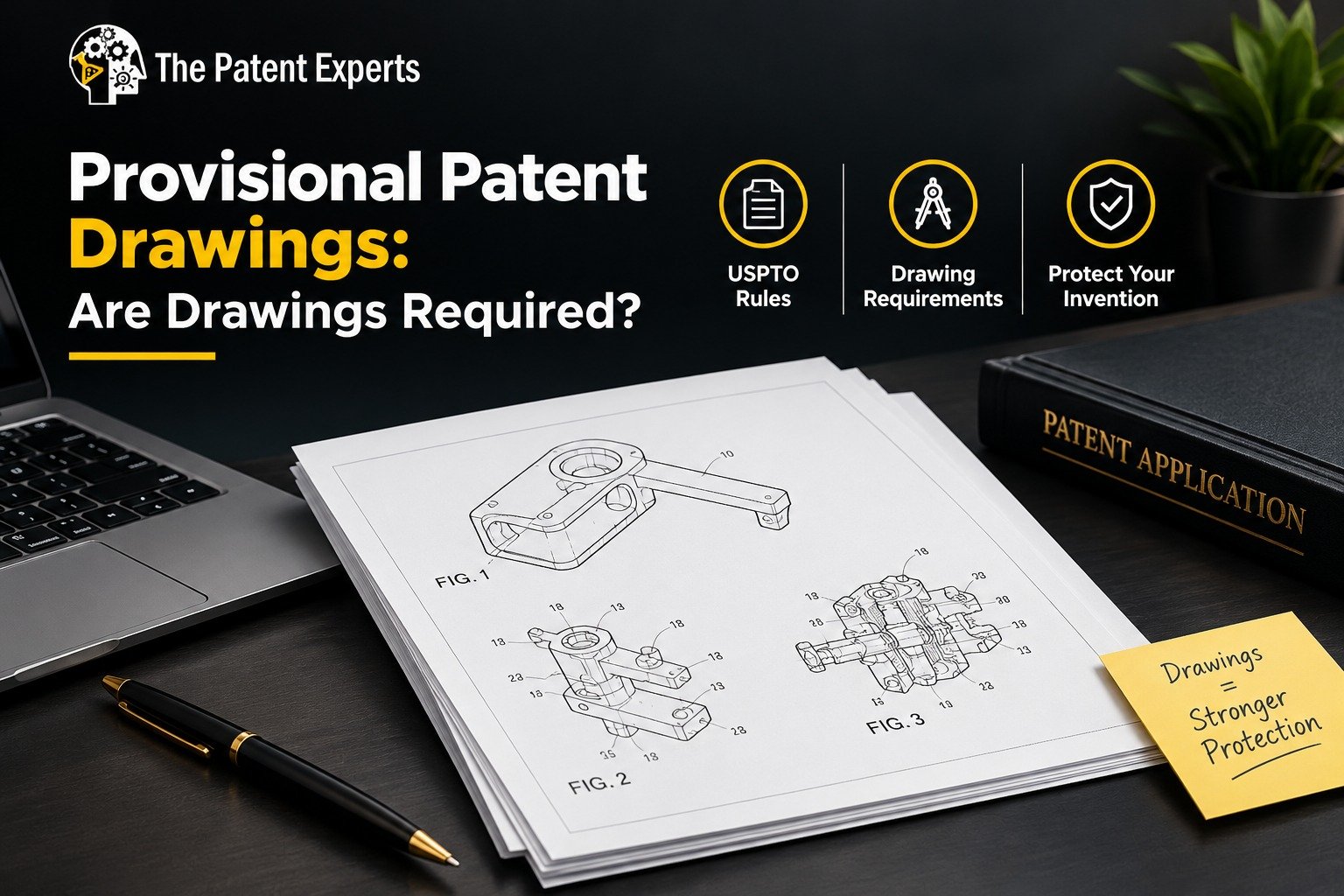
Patent drawings are the illustrations included in a patent application. They are part of the legal disclosure of the invention. In the United States, 35 U.S.C. § 113 says a drawing must be furnished when it is necessary to understand the subject matter to be patented. The formal rules for how those drawings must look are in 37 CFR 1.84 for utility applications, while design applications follow additional requirements under 37 CFR 1.152.
The audience is different here as well: a patent examiner, and later possibly a judge, a competitor or a licensing partner. The drawing must show the invention clearly enough that someone can understand what is claimed, and each part mentioned in the claims should be identifiable in the figures.
| Feature | CAD Drawings | Patent Drawings |
|---|---|---|
| Purpose | Design, engineer and manufacture | Explain and legally disclose an invention |
| Audience | Engineers, machinists, suppliers | Patent examiners, attorneys, courts |
| Level of detail | Exact dimensions, tolerances, materials | Enough detail to show the claimed features |
| Dimensions and notes | Extensive | Generally avoided or minimal |
| Color and shading | Common, including textures and renders | Black and white line art; color only in limited cases by petition |
| Reference numerals | Optional | Required to link parts to the written description |
| Figure labels | Not standard | "FIG. 1", "FIG. 2" and so on |
| Formatting rules | Company or industry standards (ISO, ASME) | Patent office rules (USPTO, EPO, JPO, WIPO) |
| File format | .dwg, .sldprt, .step and similar | Usually PDF, following the office's filing system |
| Legal weight | None on its own | Part of the patent disclosure |
Many inventors assume their engineering files can simply be exported and attached. That usually creates problems for four reasons.
1. Too much information. Dimension lines, tolerances, material specifications and manufacturing notes do not belong in most patent drawings. They can clutter the figure, and in some cases they unintentionally limit how broadly your invention is understood.
2. Wrong visual style. CAD renders often include color, gradients, textures and background elements. Patent offices generally expect clean black line drawings on a white background. Under USPTO rules, color drawings are accepted only in limited situations and require a petition.
3. Missing legal elements. Patent drawings need figure numbers, reference characters tied to the specification, correct margins and sheet sizes, and legible lettering. A raw CAD export has none of these set up for you.
4. Wrong focus. A CAD file shows how to make a product. A patent drawing shows what the invention is and how its key elements relate to each other. That sometimes means a schematic exploded view, a simplified cross-section or a flow of components rather than a faithful production drawing.
Rules vary by country, but the common expectations at the USPTO include the following (always check the current rules for your office before filing):
Other offices, including the EPO and JPO, have their own formatting expectations, which is why applicants filing internationally often prepare drawings that meet several standards at once.
The type of patent you file changes what the drawings must do.
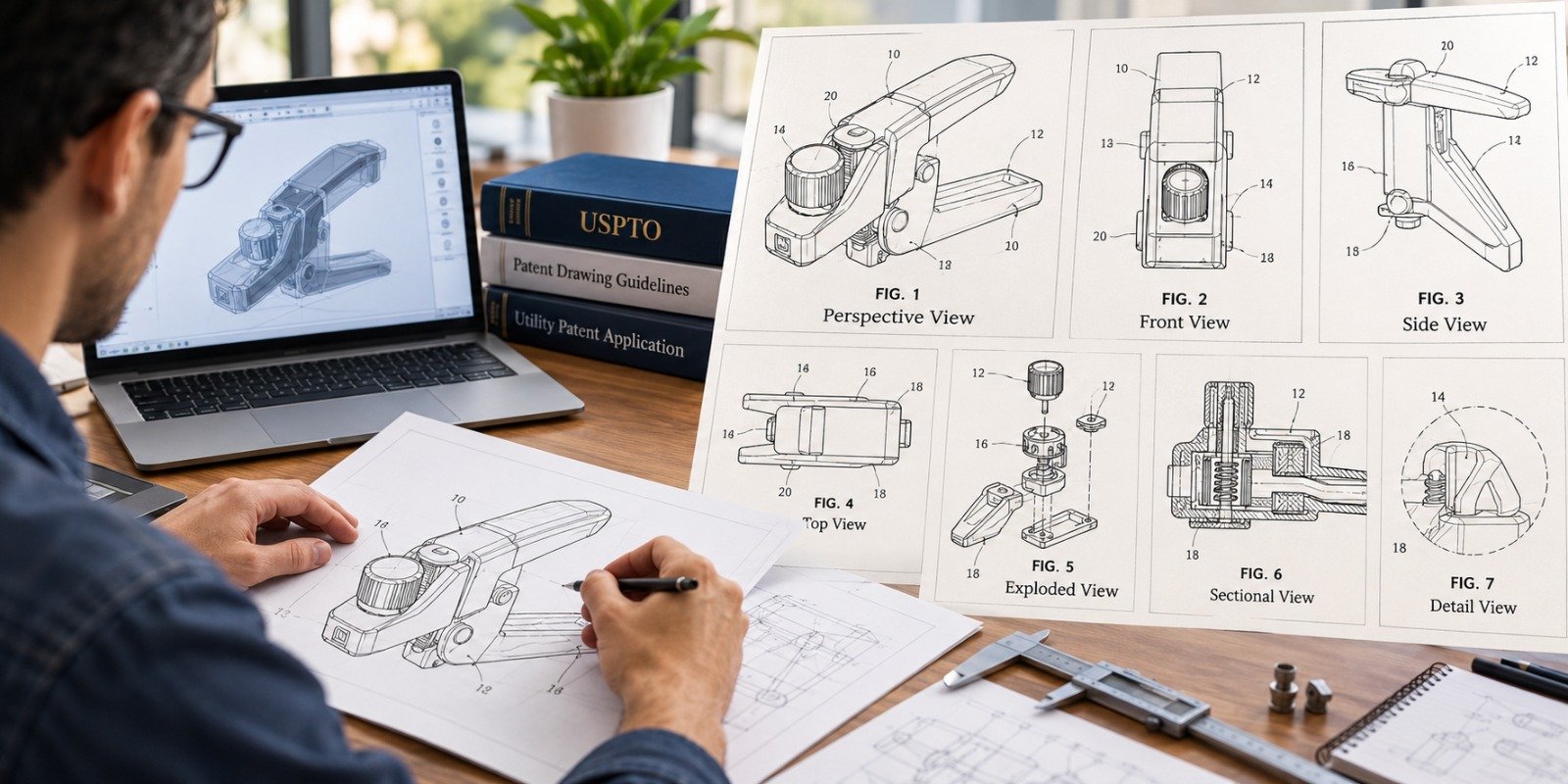
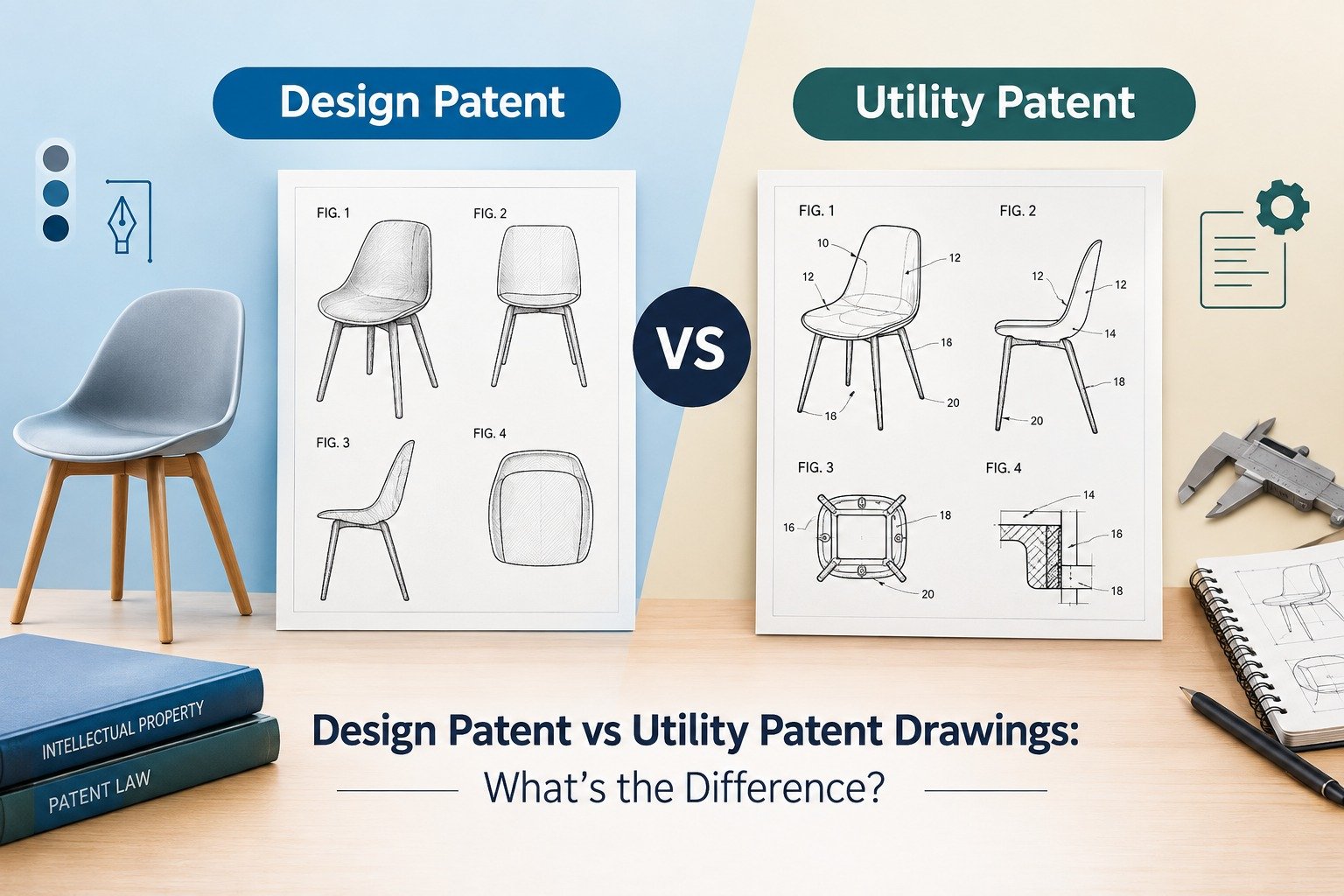
A utility patent protects how an invention works. Drawings typically include block diagrams, flowcharts, cross-sections, exploded views and perspective views that show structure and function. The goal is to support the claims and make each claimed element visible. There is no fixed number of figures; the invention determines how many are needed.
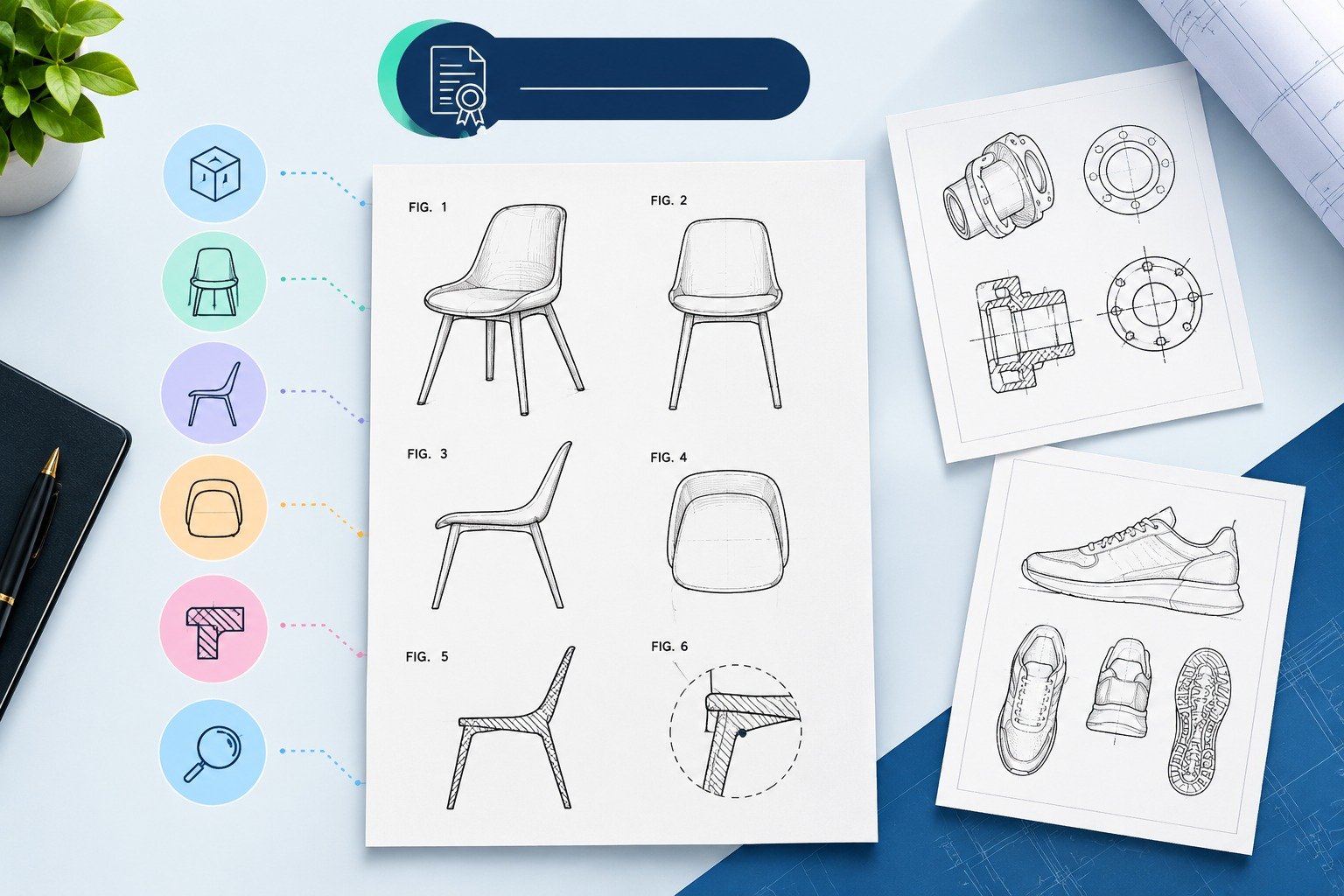
A design patent protects the ornamental appearance of an item. The drawings are the claim, so precision matters even more. Applicants usually show the design from multiple angles, such as front, rear, left, right, top, bottom and a perspective view. Solid lines show the claimed design, while broken lines can show environmental or unclaimed portions. Surface shading is often used to show contour. An unclear drawing can narrow or weaken the scope of protection.
A CAD model is still a valuable asset. It lets a professional extract accurate geometry quickly. A typical conversion workflow looks like this:
Professional patent drawing providers handle this routinely. For example, The Patent Experts works with patent attorneys, patent agents and corporate teams, and its illustrators use tools such as AutoCAD, SolidWorks and Visio to turn rough sketches, images, PDFs or dimensioned drawings into drawings prepared to USPTO, EPO, JPO and other regional office requirements. The company lists a typical 24-hour turnaround, depending on complexity, and is willing to sign NDAs to protect confidential inventions.
You can prepare simple drawings yourself, but a specialist is worth considering when:
Patent drawings are also not a substitute for legal advice. A registered patent attorney or agent should review the drawings against the claims before filing.
Not directly in most cases. CAD files are useful as source material, but they usually need to be simplified and reformatted into black-and-white line drawings with figure numbers and reference characters that meet the patent office's rules.
For utility patents, a drawing is required when it is necessary to understand the invention. For design patents, drawings are essential because they define the claimed design. Always confirm the requirements of the specific office where you are filing.
Patent drawings do not generally need dimensions, and they do not need to follow manufacturing tolerances. What matters is that the invention is clearly illustrated and consistent with the written description. Features should be proportionate and legible at reduced size.
CAD drawings are engineering documents that tell a manufacturer how to build a product, with exact dimensions and specifications. Patent drawings are formal, simplified illustrations that show the invention to a patent examiner and support the legal claims.
Yes. A CAD model gives an accurate geometric base, and a drawing specialist can extract views, simplify the details, convert them to patent-style line art, and add figure numbers and reference characters.
Generally, no. Most patent offices expect black-and-white line drawings. At the USPTO, color is accepted only in limited circumstances and requires a petition, so most applicants should plan for black-and-white figures.
There is no universal number. Utility patents need as many figures as are necessary to understand the invention. Design patents commonly use several views from different angles to fully show the ornamental design. Your attorney or drawing provider can recommend the right set.
The examiner can object to the drawings and require corrected or replacement sheets. This can delay prosecution, and in some cases poor drawings may fail to adequately support the claims. It is usually cheaper and faster to prepare compliant drawings before filing.
CAD drawings and patent drawings serve different purposes. CAD helps you build your product, while patent drawings help you protect it. Treating them as interchangeable is one of the most common avoidable mistakes in the filing process. Use your CAD files as a source, but invest in clean, compliant, claim-focused patent drawings that clearly show what makes your invention new.
If you need patent drawings prepared from CAD files, sketches or images, The Patent Experts supports utility, design, replacement and trademark drawings for attorneys, agents and corporate teams. You can share your inputs through the contact form or at info@thepatentexperts.com.

At “The Patent Experts” our team specialises in turning complex concept and ideas into exact complaint patent drawings that meet the stringent guidelines of USPTO, EPO, WIPO among other major patent offices around the globe. With over 5+ years of experience, our team of skilled illustrators are efficient in producing high quality utility designs and trademark patent drawings. By combining cutting-edge technology with a deep understanding of global patent regulations, we ensure every drawing we create is ready for seamless submission and approval.
Quicks Links
Get in touch
Our phone number
Our email address
© 2026 The Patent Expert's All Rights Reserve
Made with ♥ by Website99