How to Check Patent Application Status
Once a patent application has been filed, one of the most common questions inventors ask is:
What is the status of my patent application right now?
The great thing about this question is that it does not have to remain unknown.
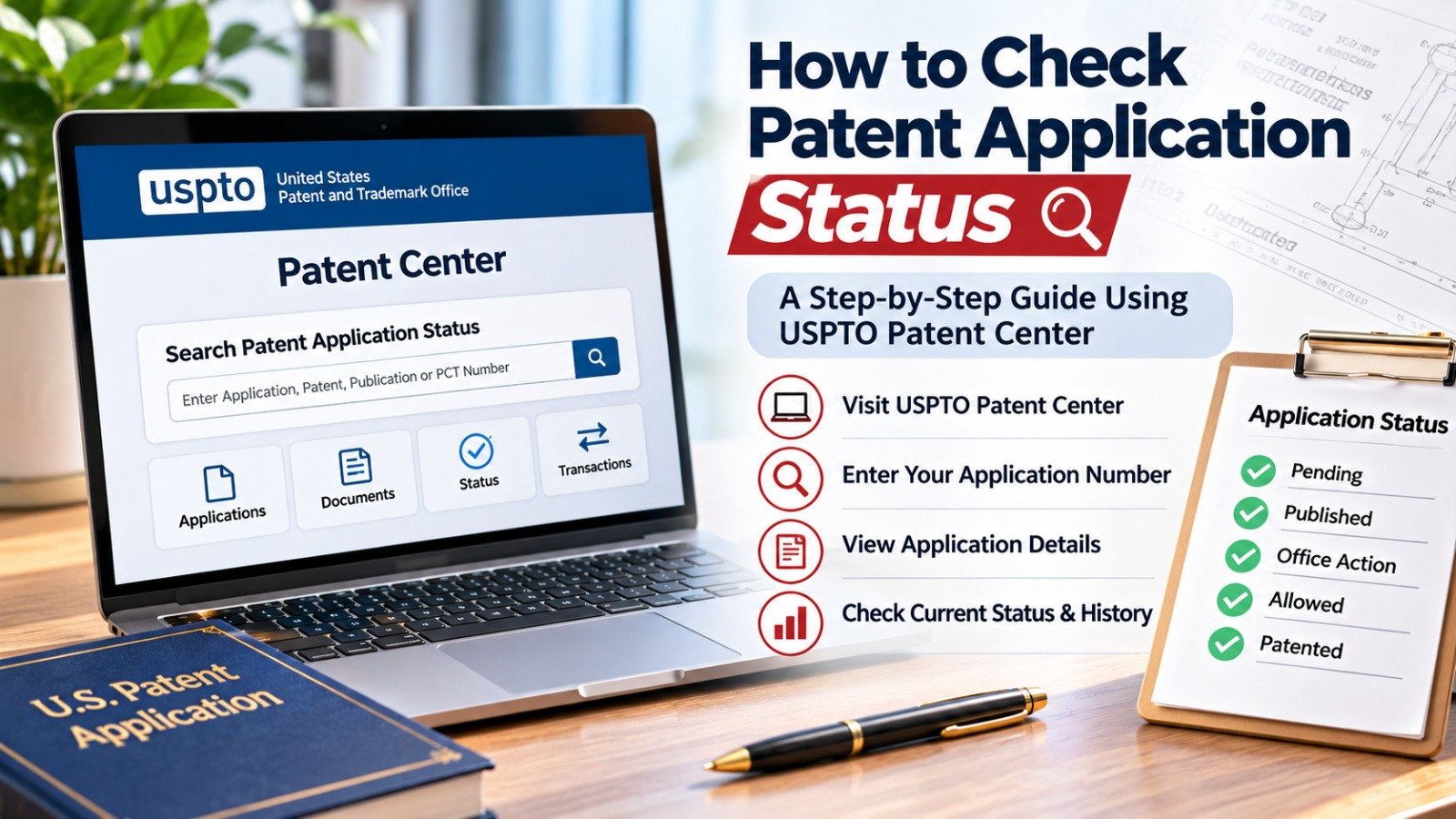
It is possible for you to check patent application status using USPTO Patent Center from the United States Patent and Trademark Office based on whether the application is public or not.
USPTO Patent Center allows applicants to file, manage, and monitor their patent applications through an online system.
This article covers how to find out the status of your patent application, what the different statuses mean, what information you need to search for it, and what to do if your application is behind schedule.
For checking the status of a patent application in the U.S.:
In the USPTO Patent Center, you have the ability to conduct searches either from the Home page or the Search page.
If the patent application is public, some information can also be found in the USPTO Open Data Portal.
Patent Center is the online filing and management system used by the USPTO for patent filings.
Patent Center enables applicants to:
According to the USPTO, Patent Center is one-stop-shop for filing and managing patent applications.
For inventors who filed their own applications, Patent Center is usually the most important place to monitor progress.
Search for the number assigned to your filing prior to checking your application.
The type of information you are looking for determines whether it will be:
In the case of a pending U.S. patent application, the application number is usually the most important initial clue.
It is usually assigned once the USPTO has processed your application.
Remember that you will need to refer to this number frequently while obtaining your patent.
Visit the USPTO Patent Center website.
You can search for patent applications through the Home page of the Patent Center or its separate Search page.
The database enables you to select one of several search options that include:
Use the number and search option to find your record.
After logging into the Patent Center:
USPTO's official guide says searches can be made using application numbers, patent numbers, PCT numbers, publication numbers, and International Design Registration numbers.
When you view the application record, you have the opportunity to see all information associated with the filing.
These may be:
Patent Center offers different levels of information according to the nature of application that is being viewed.
It is an essential difference.
Patent Center includes the Public and Private views.
Public View
In the public view, you will be able to get information about:
Patents that were issued
Patent applications that were published
Some information like some fee details is not publicly available.
Private View
The private view is accessible only for the authorized registered users.
It gives you the possibility to get information about:
Applications that are not yet published
More private information about applications
Some fee details
Pending applications related to your account in the USPTO.
According to the Patent Center instruction from the USPTO, you will get the access to unpublished application information through the private view..
Not always.
Once an application is published, certain information may become publicly accessible.
However, unpublished patent applications generally remain confidential, subject to applicable USPTO rules.
USPTO regulations limit access to certain application information when the requester is not entitled to see it.
This means an inventor may be able to view more information through an authorized Patent Center account than a member of the general public.
When checking your application, you may see different status descriptions.
The exact terminology can vary, but some common concepts include the following.
A patent application is generally considered pending while it is still active and awaiting further action or a final outcome.
USPTO defines status information in part by whether an application is pending, abandoned, or patented.
Pending does not necessarily mean the examiner is actively reviewing the file that day.
It simply means the application has not yet reached a final disposition.
Many patent applications eventually become publicly available through publication.
Once published, members of the public may be able to view the application record and certain related information.
Patent Center's public view provides access to published patent applications.
An application may become abandoned if, for example, an applicant does not respond to an Office Action or other USPTO requirement within the applicable time.
An abandoned application is no longer actively pending unless appropriate procedures are used to revive or otherwise address the abandonment.
If you unexpectedly see an abandoned status, it is important to review the file history and speak with your patent attorney or agent promptly.
If an application successfully completes examination and issues as a patent, the status will reflect that the patent has been granted.
USPTO status information may include whether the application has become patented.
If the patent application has already been published, you may be able to search public information without signing into a private Patent Center account.
USPTO provides public access to issued patents and published patent applications.
You may also use the USPTO Open Data Portal to search public patent application records.
However, unpublished application information may require authorized private access.
Yes.
Patent Center supports searches using several identifiers, including:
Application number
Patent number
Publication number
PCT number
International Design Registration number
This makes it useful even if you do not have the original application number immediately available.
Patent Center's main application-status search is generally more direct when you have a filing identifier such as an application number or publication number.
If you are trying to locate a patent application by inventor name rather than track your own known application, a broader patent-search tool may be more appropriate.
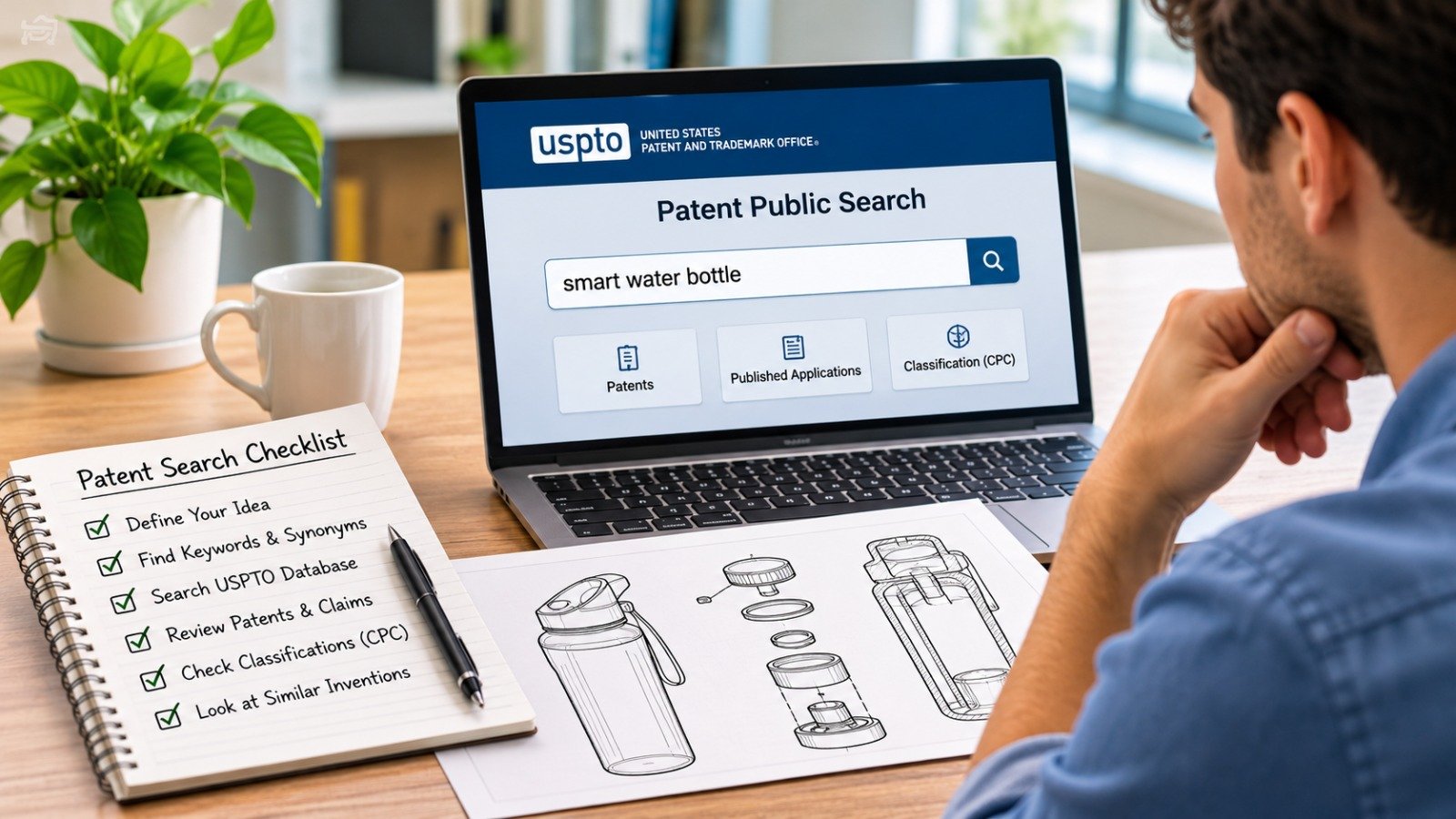
USPTO Patent Public Search is designed for searching patents and published patent applications, while Patent Center is particularly useful for checking application status and file information.
Do not check only whether the application says “pending.”
The application record may contain much more useful information.
Look for:
Recent USPTO correspondence
Office Actions
Applicant responses
Notices
Drawing objections
Examiner communications
Filing receipts
Transaction history
Newly submitted documents
This can help you understand what is actually happening in the application.
USPTO notes that Patent Center provides access to application documents and transaction history for pending applications.
An Office Action is an official communication from the USPTO examiner.
It may contain:
Claim rejections
Drawing objections
Specification objections
Formality issues
Prior-art references
Other examination issues
If an Office Action appears in your application history, read it carefully.
Applicants usually need to respond within a specified deadline.
Missing the deadline may put the application at risk of abandonment.
Patent application status tracking becomes particularly important when drawing-related issues appear.
An examiner or USPTO review may identify problems involving:
Missing figures
Poor line quality
Incorrect reference numbers
Inconsistent drawings
Improper margins
Unclear sectional views
Drawing formalities
In those situations, replacement or corrected patent drawings may be needed.
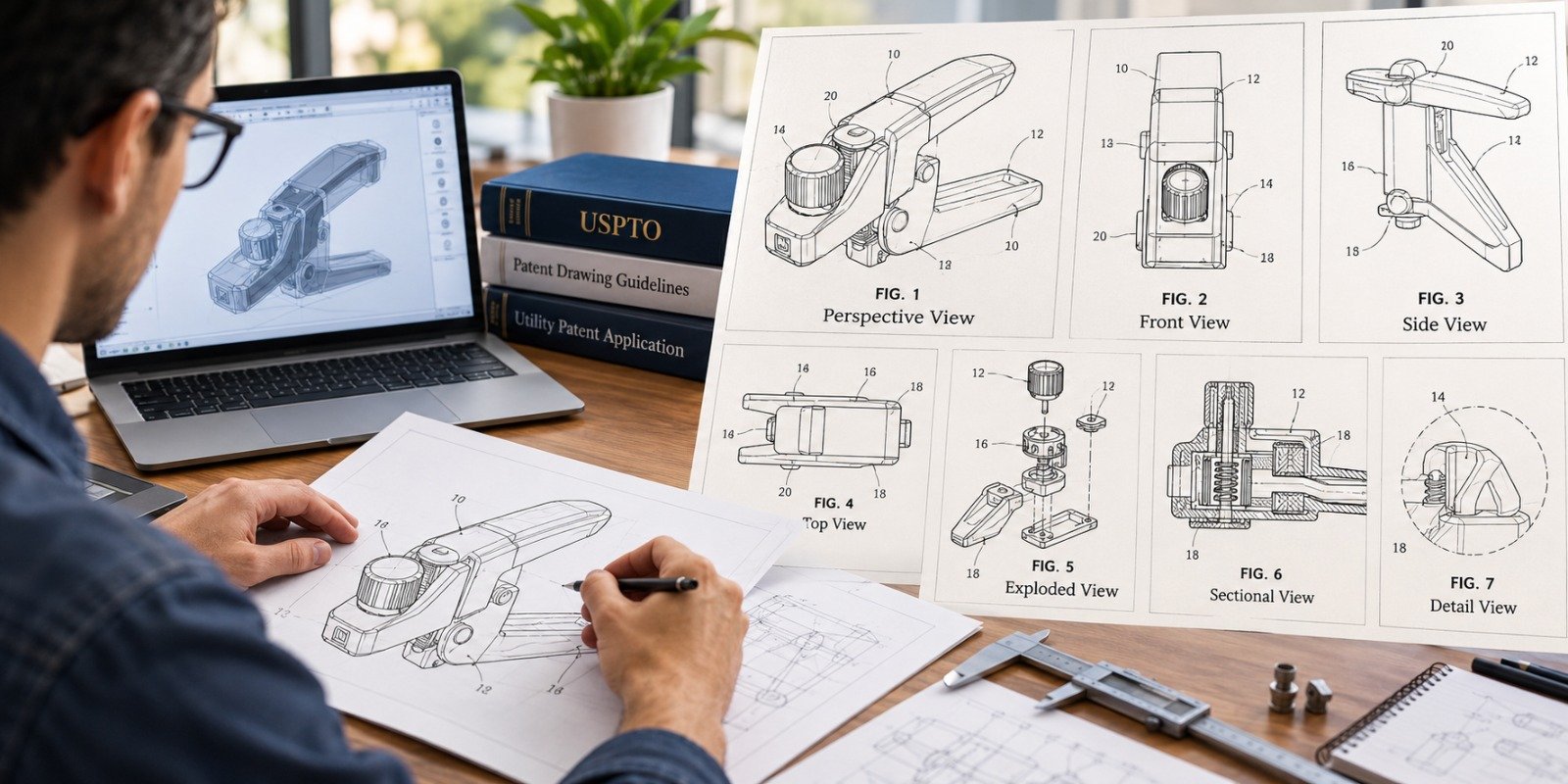
At The Patent Experts, we help inventors and patent professionals prepare:
Utility patent drawings
Design patent drawings
Replacement patent drawings
Corrected patent figures
Exploded views
Sectional views
Perspective drawings
The goal is to provide clear technical illustrations that comply with applicable patent drawing requirements.
Patent applications do not move instantly.
USPTO notes that new documents may not appear in Patent Center immediately after filing.
Patent examination itself can also take considerable time.
The USPTO tracks two important timing measures:
This measures the average time from filing until the USPTO mails the first Office Action.
This measures the average time from filing to final disposition, such as patent issuance or abandonment, under the USPTO's reporting methodology.
Because these are averages, the actual timeline for your application can be shorter or longer.
A status that appears unchanged for a long time does not automatically mean something is wrong.
Possible reasons include:
The application is waiting for examination
The examiner has not yet issued an Office Action
A recently filed document has not yet appeared
The application is waiting in a processing queue
The USPTO is waiting for applicant action
Review the transaction history and documents before assuming the application is stalled.
Start by reviewing Patent Center carefully.
Check:
Latest document filed
Latest USPTO communication
Response deadlines
Transaction history
Current status
If you have a patent attorney or patent agent, contact them first because they may have additional context.
USPTO also has a Patents Ombuds Office that assists applicants when normal processing appears to have stalled or when an application needs help getting back on track.
The Ombuds Office is not designed to replace ordinary communication with examiners or representatives, but it can help with certain processing concerns.
Yes, in some situations.
USPTO's Application Assistance Unit can provide certain status assistance.
USPTO guidance states that applicants and other authorized persons seeking status information may use Patent Center or contact the appropriate assistance unit.
However, access to unpublished application information is restricted.
These two searches serve different purposes.
Used when you want to know:
What is happening with a specific application?
Is it pending?
Has it been published?
Has it been abandoned?
Has it issued as a patent?
What documents have been filed?
Use Patent Center.
Used when you want to know:
Does a similar invention already exist?
Has someone already patented this idea?
What prior art exists?
What patents are in this technology area?
Use tools such as USPTO Patent Public Search.
USPTO itself separates Patent Center status checking from its Patent Public Search resources.
An application number, publication number, and patent number are not the same thing.
Choose the correct search type.
The application may still be unpublished and confidential.
Review the documents and transaction history as well.
A status page may show activity, but the important issue may be a response deadline.
Some newly filed documents may take time to appear in Patent Center.
When checking your application, review:
Application number
Filing date
Current status
Publication status
Latest USPTO document
Latest applicant submission
Office Actions
Response deadlines
Transaction history
Drawing objections
Notices of allowance
Patent issue information
Keeping track of these items can help you understand where the application stands.
Tracking patent application status may reveal that your drawings need to be corrected or updated.
For example, an Office Action may identify:
Figure inconsistencies
Reference-number problems
Missing views
Poor-quality drawings
Formal drawing objections
The Patent Experts can help prepare professional patent illustrations based on:
Existing patent drawings
USPTO objections
CAD files
Hand sketches
Product photographs
Technical specifications
Services can include:
Utility patent drawings
Design patent drawings
Corrected patent drawings
Replacement patent drawings
Exploded views
Sectional views
Detail views
Clear and consistent drawings can help applicants address drawing-related issues more efficiently.
Checking your patent application status is an important part of managing the patent process.
For most U.S. applications, USPTO Patent Center is the best place to start.
Use it to review:
Application status
Filing information
Documents
Transaction history
Office Actions
Publication information
If the application is public, additional information may also be available through USPTO public search tools and the Open Data Portal.
Most importantly, do not simply check whether your application says “pending.”
Review the latest documents and deadlines so you understand what action, if any, is required next.
Use USPTO Patent Center. Search using your application number, patent number, publication number, PCT number, or other supported identifier, then open the application record to review its status and available documents.
Yes. USPTO Patent Center provides online access to patent application status information. Public applications may also be searchable through other USPTO public-data resources.
An application number is usually the most useful identifier, although Patent Center also supports patent numbers, publication numbers, PCT numbers, and International Design Registration numbers.
Published applications and issued patents are generally available in the public view. Unpublished applications may only be accessible to authorized users.
Pending generally means the application remains active and has not yet reached a final outcome such as issuance or abandonment.
An abandoned application is no longer actively pending. This can happen when required actions or responses are not completed within applicable deadlines.
Updates are not always immediate. USPTO notes that newly filed documents may take time to appear in Patent Center.
Authorized users and public users, where applicable, can access available application documents and transaction history through Patent Center.
Review the transaction history and latest documents first. If normal processing appears stalled, you may contact your patent representative or, where appropriate, seek assistance from the USPTO Patents Ombuds Office.
Yes. The Patent Experts can assist with professional corrected or replacement patent drawings, including utility, design, sectional, exploded, and detail views.
This article is provided for general informational purposes only and does not constitute legal advice. Patent applicants should consult a registered patent attorney or patent agent regarding their specific application and deadlines.

At “The Patent Experts” our team specialises in turning complex concept and ideas into exact complaint patent drawings that meet the stringent guidelines of USPTO, EPO, WIPO among other major patent offices around the globe. With over 5+ years of experience, our team of skilled illustrators are efficient in producing high quality utility designs and trademark patent drawings. By combining cutting-edge technology with a deep understanding of global patent regulations, we ensure every drawing we create is ready for seamless submission and approval.
Quicks Links
Get in touch
Our phone number
Our email address
© 2026 The Patent Expert's All Rights Reserve
Made with ♥ by Website99